TL;DR: Tsukuru (作る) es un servidor de Model Context Protocol que trae la generación inteligente de assets directamente a tus agentes de IA. Genera imágenes web, iconos de apps iOS y materiales de marketing usando DALL-E 3 con orquestación de GPT-4—todo sin salir de tu flujo de desarrollo.
Tsukuru significa “crear” en japonés, y eso es exactamente lo que hace esta herramienta: crea los assets visuales que necesitas, cuando los necesitas, potenciados por IA.
Qué Puede Hacer Tsukuru
Tsukuru proporciona dos herramientas potentes que transforman cómo los desarrolladores manejan la creación de assets:
🖼️ Generación de Imágenes Web
Genera gráficos web, banners e imágenes de marketing usando DALL-E 3 con optimización inteligente para diferentes formatos y casos de uso.
📱 Sets de Iconos iOS
Crea sets completos de iconos iOS siguiendo las directrices de diseño de Apple, generando todos los tamaños requeridos y el archivo Contents.json apropiado.
Cada herramienta está diseñada pensando en los flujos de trabajo de desarrolladores. ¿Necesitas un banner hero para tu landing page? Solo descríbelo. ¿Estás construyendo una app iOS y necesitas iconos en todos los tamaños requeridos? Un prompt genera todo desde los listados de App Store hasta los iconos de Ajustes.
La magia ocurre a través de la orquestación inteligente—describe lo que necesitas, y Tsukuru averigua qué herramienta usar y cómo configurarla.
Filosofía de Diseño
Selección Inteligente de Herramientas
Una de las innovaciones clave de Tsukuru es la orquestación basada en reglas. En lugar de forzar a los desarrolladores a recordar nombres exactos de herramientas y parámetros, simplemente puedes describir tus necesidades:
- “Genera iconos de app para mi fitness tracker iOS” → Usa automáticamente la herramienta
ios-icon - “Crea un banner hero para mi landing page SaaS” → Redirige a
web-imagecon configuración óptima - “Necesito gráficos de marketing para redes sociales” → Configura dimensiones y formatos apropiados
Flexibilidad de Formatos
El desarrollo web moderno demanda múltiples formatos de imagen. Tsukuru genera automáticamente versiones PNG, JPG y WebP de cada imagen, asegurando un rendimiento óptimo para diferentes casos de uso:
- ✅ Originales de alta calidad para impresión y diseño
- ✅ WebP comprimido para carga web rápida
- ✅ Formatos estándar para máxima compatibilidad
Cumplimiento con Directrices de Apple
La generación de iconos iOS no es solo redimensionar—se trata de seguir las estrictas directrices de Apple. Tsukuru genera sets de iconos completos con:
- ✅ Convenciones de nombres apropiadas
- ✅ Todos los tamaños requeridos (desde 20x20 hasta 1024x1024)
- ✅ El archivo
Contents.jsonque Xcode espera
Para más información sobre construir herramientas MCP robustas, la especificación MCP proporciona excelente orientación.
La Experiencia de Desarrollador
Integración Fluida
Tsukuru funciona con cualquier cliente compatible con MCP. Ya sea que uses Claude Desktop, Cursor, o construyas tu propio agente, la configuración es directa:
{
  "mcpServers": {
    "tsukuru": {
      "command": "node",
      "args": ["/ruta/a/tsukuru/dist/index.js"],
      "env": {
        "OPENAI_API_KEY": "tu_api_key_de_openai_aqui"
      }
    }
  }
}
Valores por Defecto Inteligentes, Control Total
Tsukuru viene con valores por defecto sensatos pero te permite personalizar todo:
- Tamaños de imagen: Desde cuadrados para redes sociales hasta banners ultra-anchos
- Niveles de calidad: Estándar para iteración rápida, HD para assets finales
- Formatos de salida: PNG para transparencia, JPG para fotos, WebP para web
- Organización de archivos: Directorios con timestamp mantienen tus assets organizados
Ejemplos de Flujos de Trabajo
Generación de Gráficos Web
# A través de tu cliente MCP
"Genera una imagen hero moderna para una web de startup tecnológica con cloud computing y análisis de datos"

# Genera:
# temp/web-images-2024-06-09T15-30-45/
# ├── generated-image-1024x1024.png
# ├── generated-image-1024x1024.jpg
# └── generated-image-1024x1024.webp
Sets de Iconos iOS
# Iconos de app iOS
"Crea iconos de app iOS para una app de meditación con estética zen"

# Genera el set completo de iconos:
# temp/ios-icons-2024-06-09T15-30-45/
# ├── AppIcon-1024x1024@1x.png    # App Store
# ├── AppIcon-60x60@3x.png        # iPhone App
# ├── AppIcon-40x40@3x.png        # iPhone Spotlight
# └── Contents.json               # Metadatos Xcode
Arquitectura Técnica
Tsukuru combina lo mejor de las prácticas modernas de desarrollo:
🔧 Stack Moderno
- TypeScript: Seguridad de tipos completa con validación Zod
- Compatible con MCP: Construido con el SDK oficial
@modelcontextprotocol/sdk - Alto Rendimiento: Procesamiento de imágenes con Sharp
📊 Experiencia de Desarrollador
- Logging Estructurado: Logging basado en Pino para debugging
- Manejo Robusto de Errores: Fallos elegantes con mensajes de error útiles
- Seguridad de Tipos: TypeScript de extremo a extremo para fiabilidad
La arquitectura sigue las mejores prácticas de MCP establecidas por herramientas como Peekaboo MCP, asegurando fiabilidad y compatibilidad entre diferentes agentes de IA.
Mi Visión del Ecosistema MCP
Tsukuru es parte de un movimiento creciente hacia servidores MCP especializados que manejan tareas específicas de desarrollador:
- Peekaboo MCP - Capturas de pantalla y debugging visual
- claude-code-mcp - Delegación de tareas a Claude Code
- Tsukuru MCP - Generación inteligente de assets
- macos-automator-mcp - Automatización del sistema
Cada herramienta se enfoca en hacer una cosa excepcionalmente bien, y luego se componen juntas para flujos de trabajo potentes.
La Visión: Assets como Código
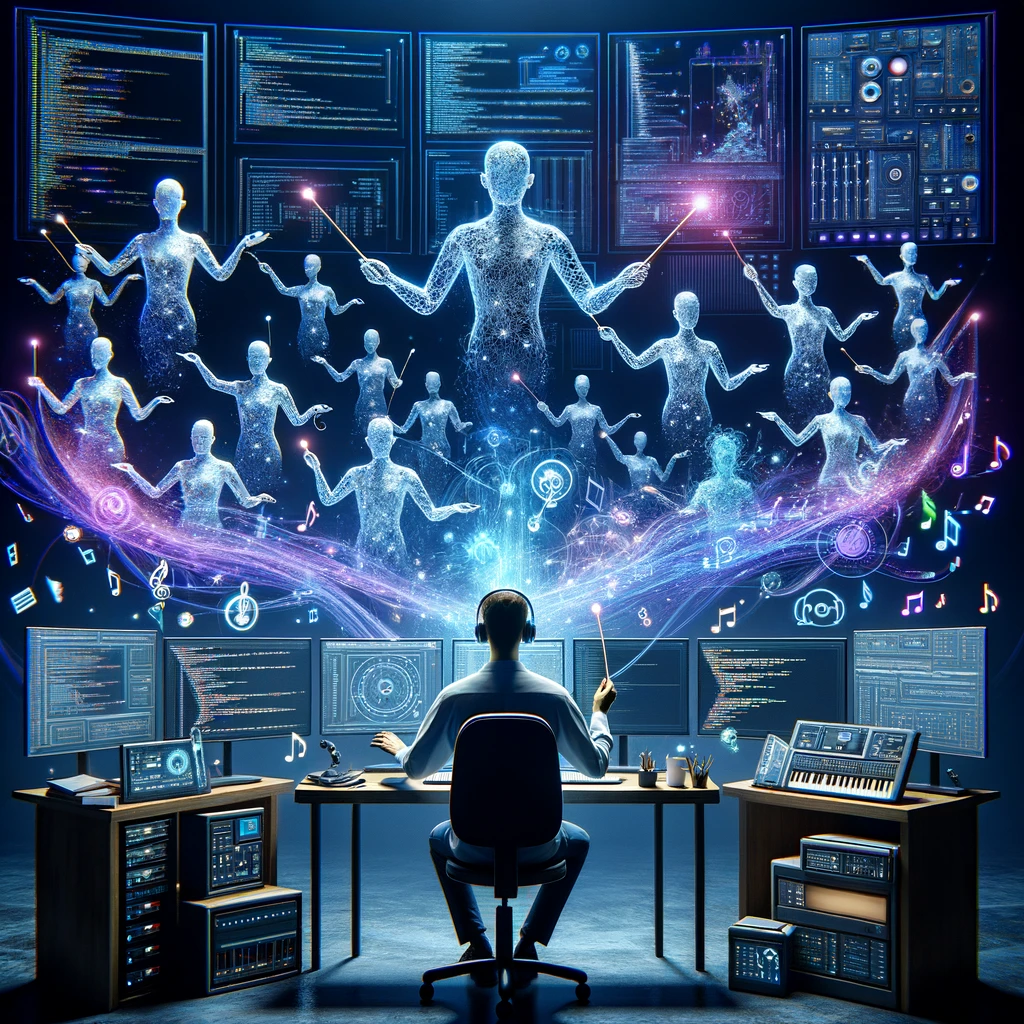 Un desarrollador dirigiendo agentes de IA como una orquesta sinfónica, visualizando el nuevo rol de orquestación de sistemas
Tsukuru representa un cambio hacia tratar los assets como código—versionados, reproducibles, y generados bajo demanda. En lugar de buscar en archivos de Figma o sitios de fotos de stock, tus assets viven junto a tus prompts en tu repositorio.
El Nuevo Flujo de Trabajo
- ¿Necesitas actualizar el branding de tu app? → Actualiza el prompt y regenera todo
- ¿Lanzando en un nuevo mercado? → Genera materiales de marketing localizados
- ¿Construyendo una nueva funcionalidad? → Crea los assets como parte de tu proceso de desarrollo
Cuando tus necesidades de diseño cambian, cuando tu marca evoluciona, cuando necesitas assets para una nueva plataforma—en lugar de interrumpir tu flujo para abrir herramientas de diseño, describes lo que necesitas y continúas construyendo.
Ese es el poder de traer la generación de assets potenciada por IA directamente a tu flujo de desarrollo.
🎨 Tsukuru MCP está disponible ahora - ⭐ dale una estrella al repo si esto acelera tu flujo de desarrollo!
Construido con ❤️ siguiendo las mejores prácticas de MCP. Tsukuru (作る) - porque todo desarrollador merece assets bonitos sin complicaciones.